- 1. Upload — drop a PNG/JPG, pick a file, or try the sample logo.
- 2. Tune — pick a preset, colour or mono, threshold and smoothing.
- 3. Convert — see the original and the vector side by side.
- 4. Download the .svg — free, 3 conversions a day, no sign-up.
- 5. Need more? Pro adds — unlimited conversions, batch to one .zip, high precision, no credit comment.
Convert your image
…or drag a PNG or JPG onto the editor.
Free: 3 conversions a day, standard precision, SVG carries a small credit comment.
Batch conversion (Pro)
Pick several images. Each becomes its own .svg inside a single .zip download.
Precision
High precision traces finer curves with more colours. It is a Pro feature.
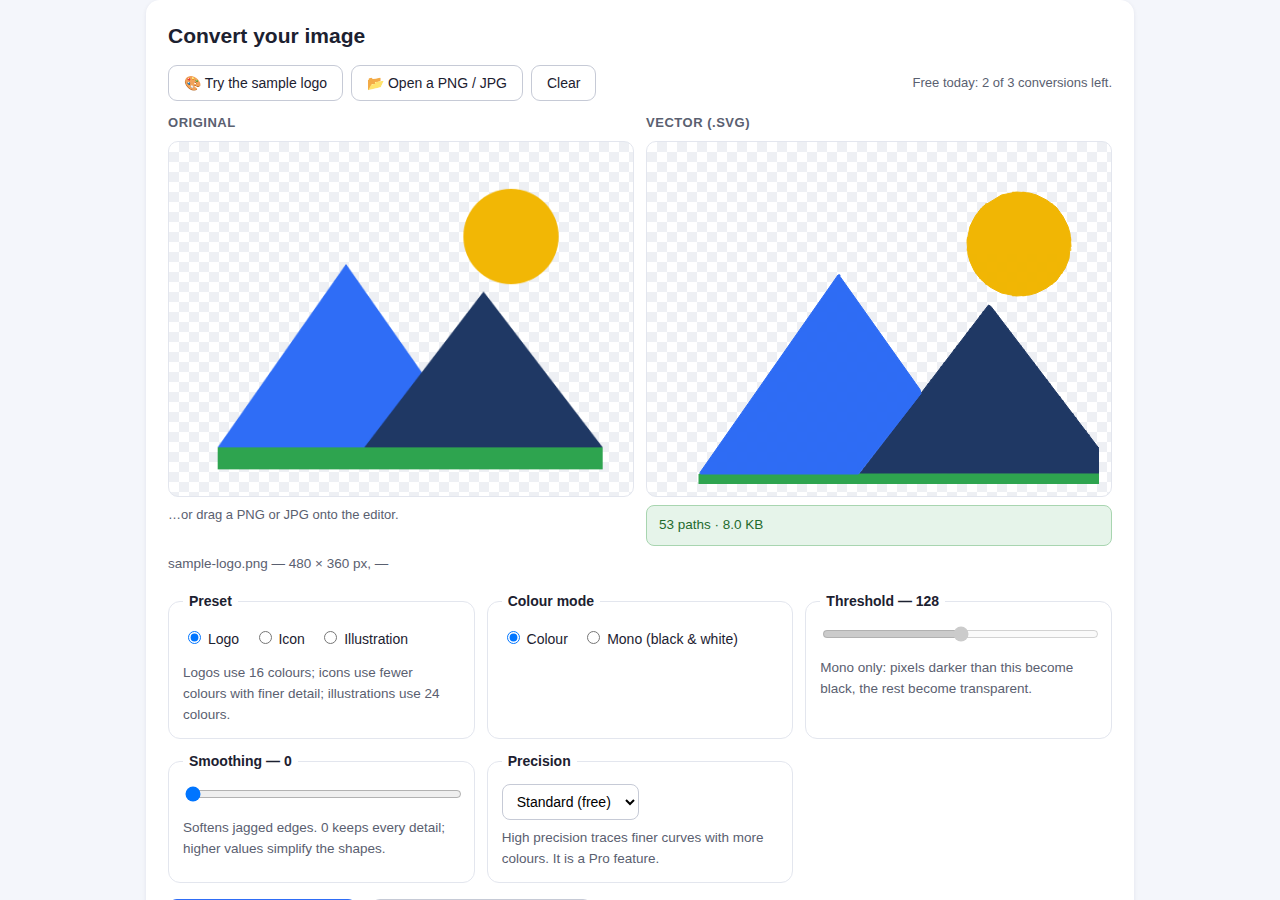
What the tool looks like
Everything happens on one screen: upload on the left, original and vector side by side, one download button. No account, no upload.
⭐ PNG to SVG Converter Pro — $9.99 one-time
✅ Pro unlocked — unlimited conversions, batch and high precision are ready.
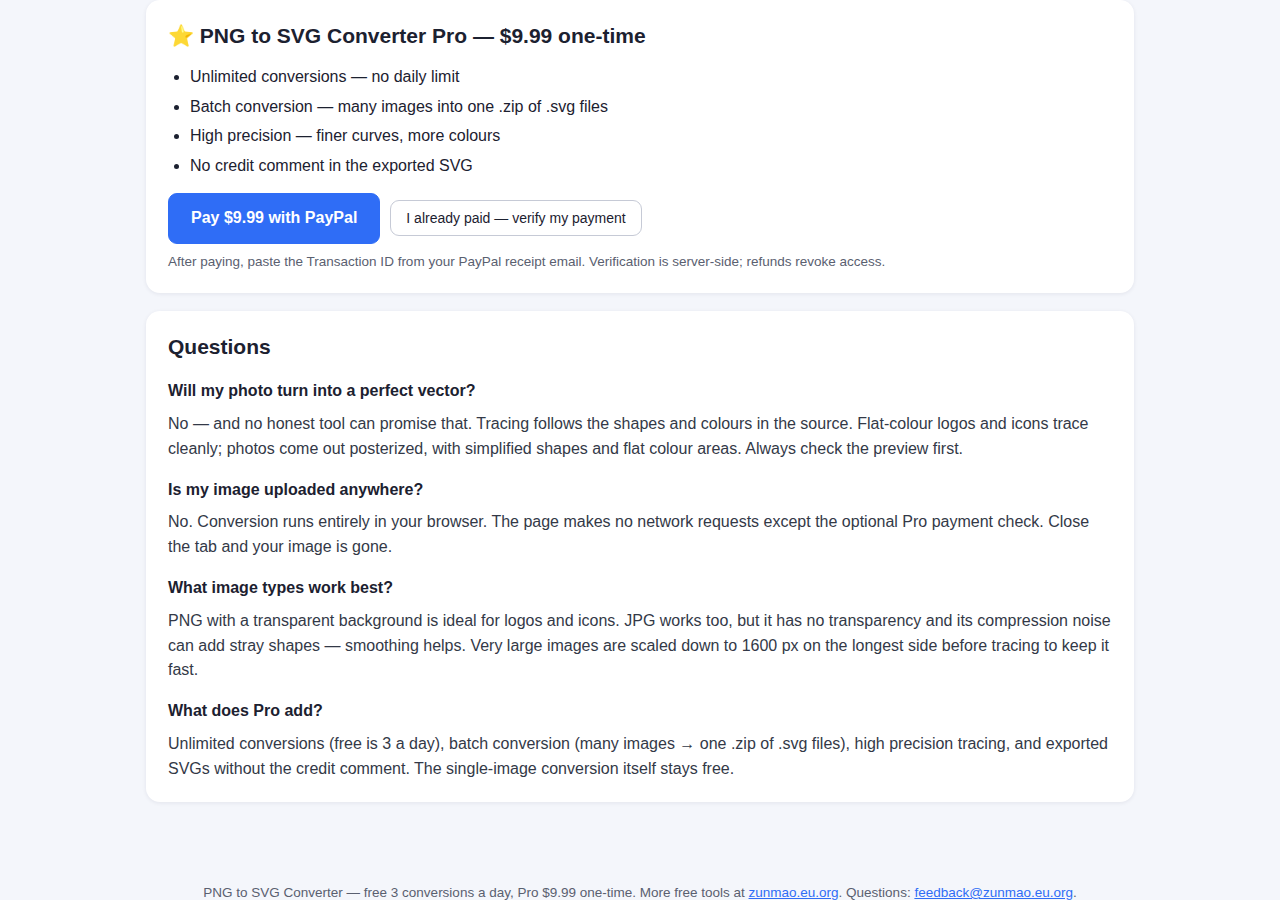
- Unlimited conversions — no daily limit
- Batch conversion — many images into one .zip of .svg files
- High precision — finer curves, more colours
- No credit comment in the exported SVG
After paying, paste the Transaction ID from your PayPal receipt email. Verification is server-side; refunds revoke access.
Questions
Will my photo turn into a perfect vector?
No — and no honest tool can promise that. Tracing follows the shapes and colours in the source. Flat-colour logos and icons trace cleanly; photos come out posterized, with simplified shapes and flat colour areas. Always check the preview first.
Is my image uploaded anywhere?
No. Conversion runs entirely in your browser. The page makes no network requests except the optional Pro payment check. Close the tab and your image is gone.
What image types work best?
PNG with a transparent background is ideal for logos and icons. JPG works too, but it has no transparency and its compression noise can add stray shapes — smoothing helps. Very large images are scaled down to 1600 px on the longest side before tracing to keep it fast.
What does Pro add?
Unlimited conversions (free is 3 a day), batch conversion (many images → one .zip of .svg files), high precision tracing, and exported SVGs without the credit comment. The single-image conversion itself stays free.